




FEATURES
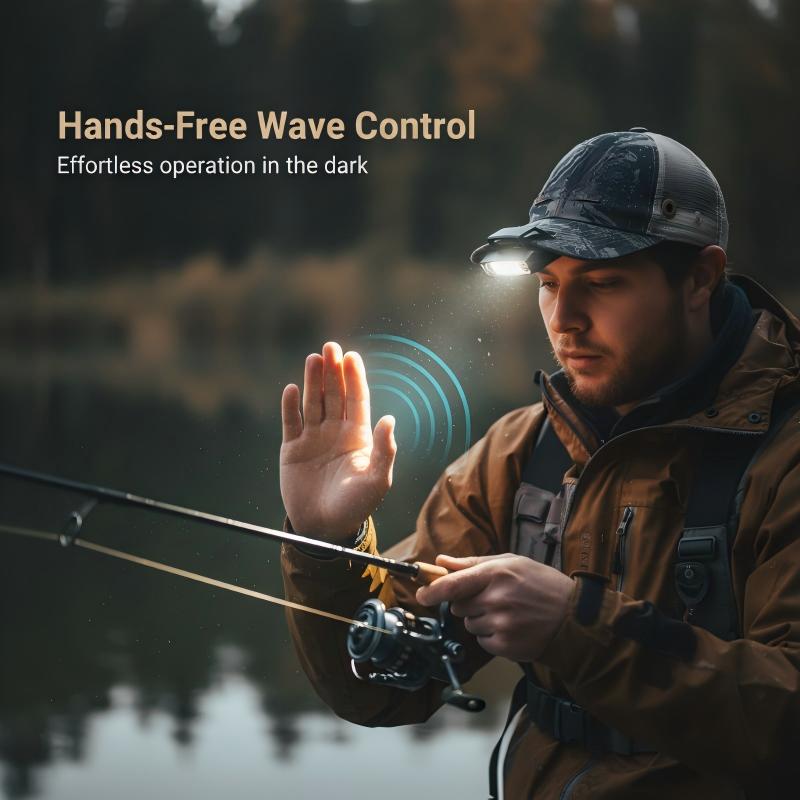
SMART WAVE SENSOR - Enjoy complete hands-free control. Simply wave your hand within 15cm to turn the light on or off, offering ultimate convenience when your hands are busy with gear or tools.

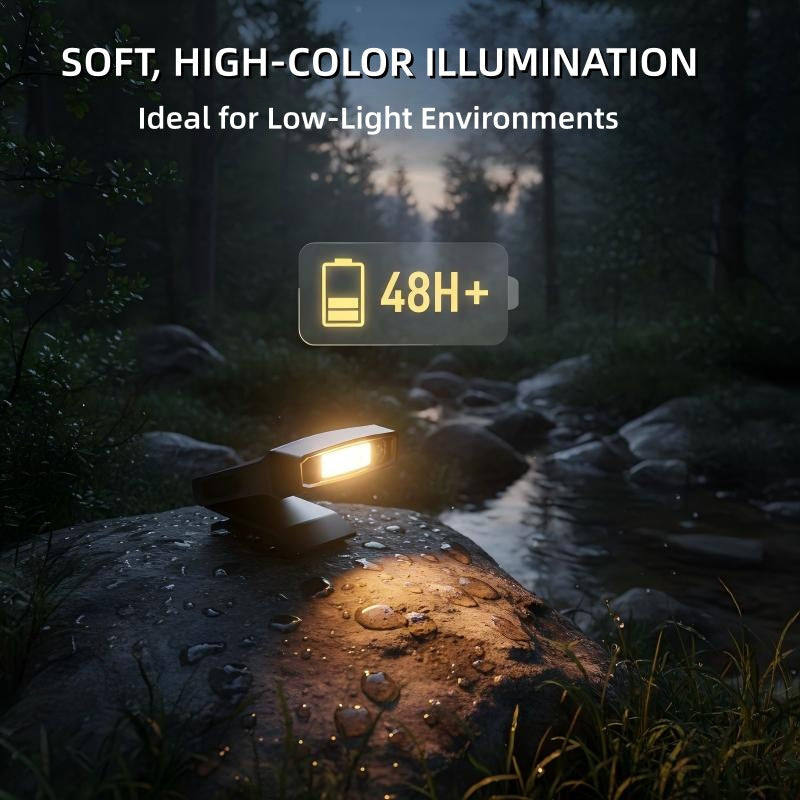
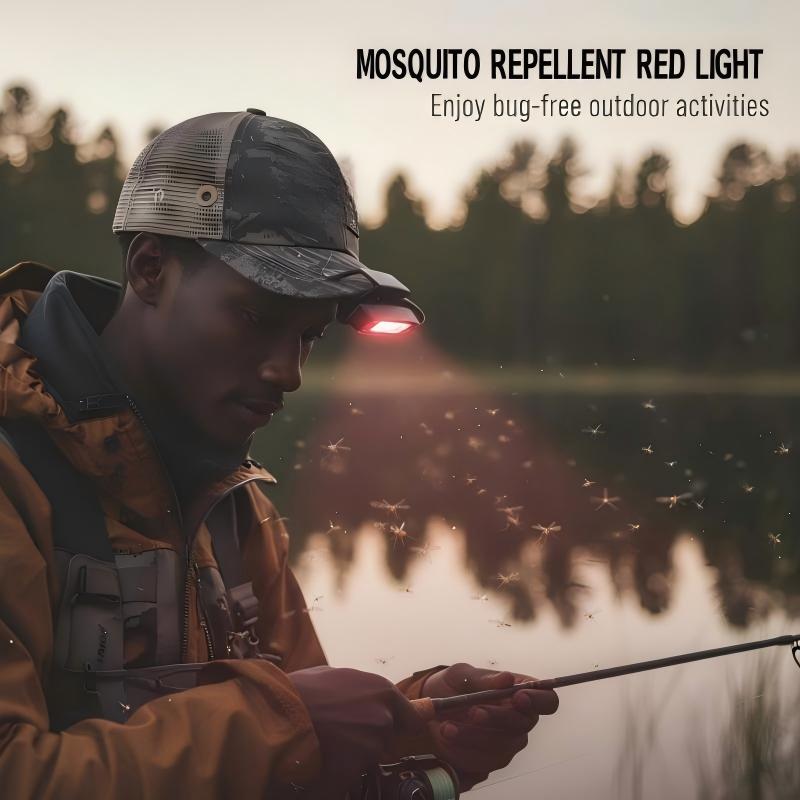
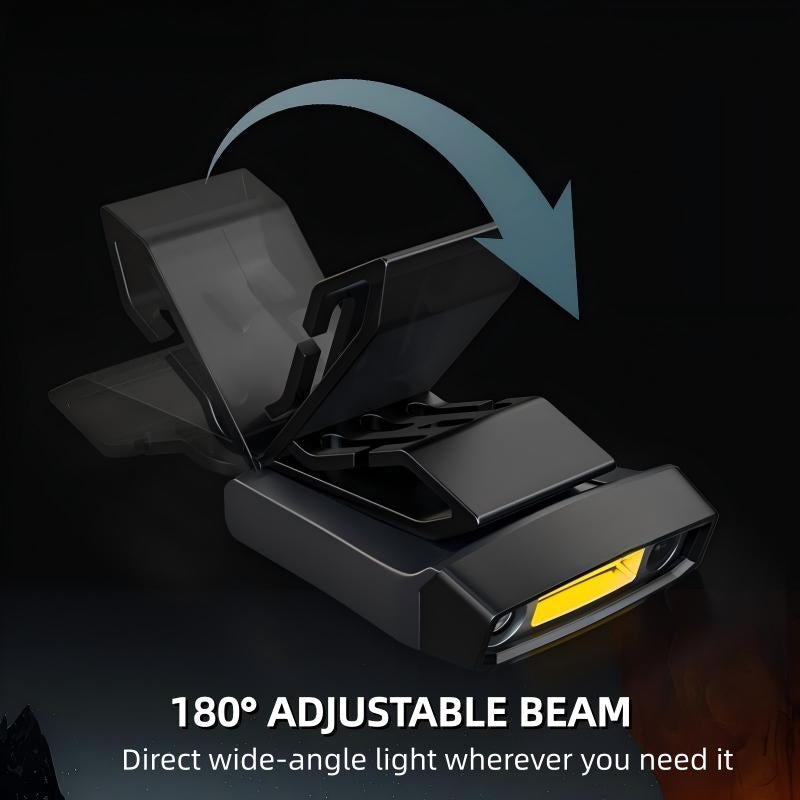
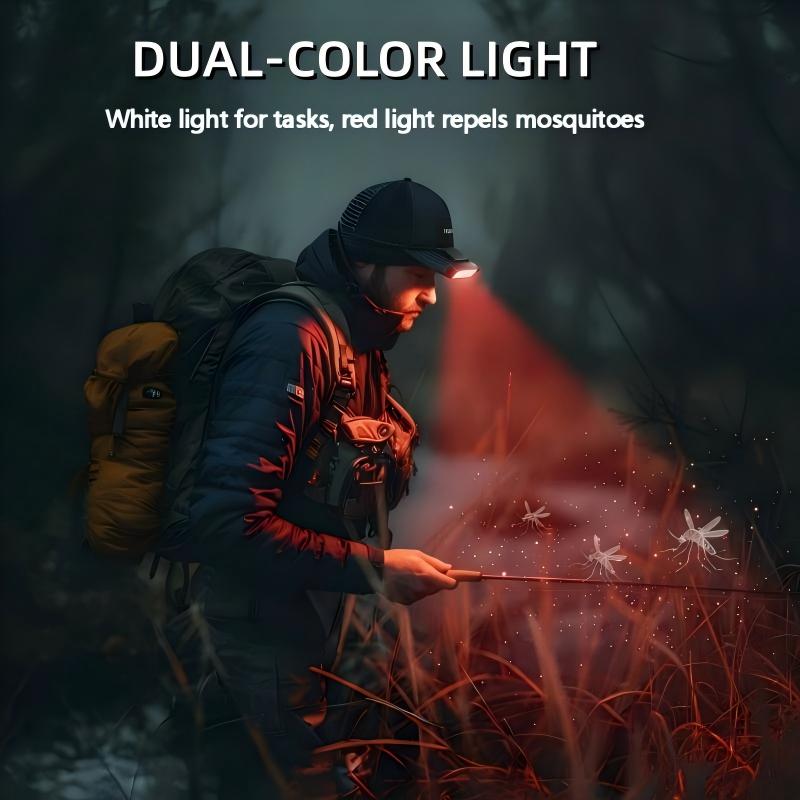
DUAL-COLOR COB LIGHT – Enjoy clear, non-glaring white light for close tasks and mosquito-repelling red light. The 180° adjustable beam lets you direct the light exactly where needed for full visibility.

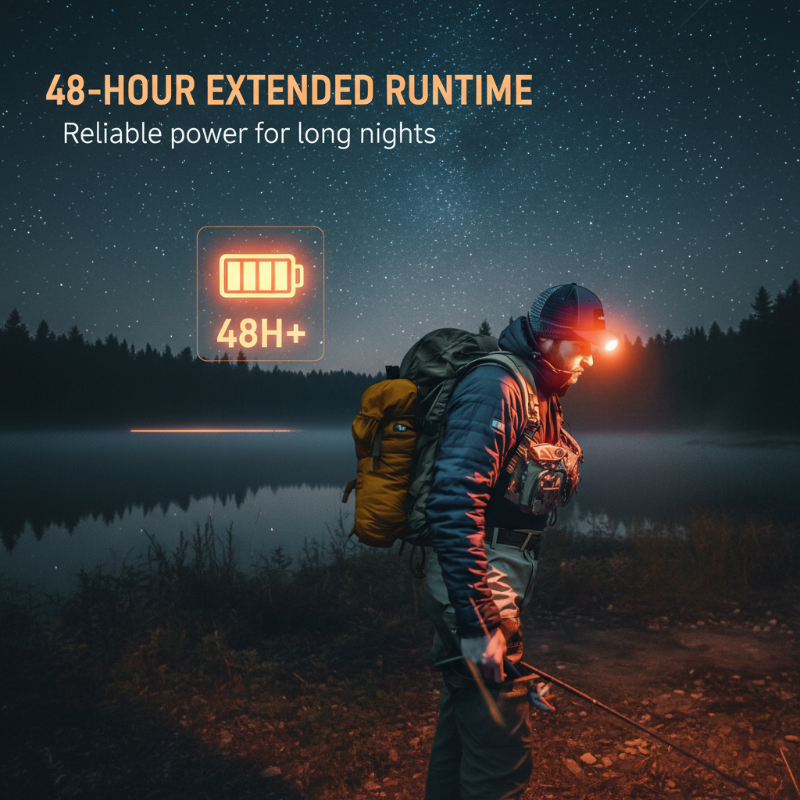
EXTENDED 48-HOUR BATTERY - Power through multiple nights on a single charge. The high-performance 800mAh polymer battery ensures reliable, long-lasting light, so you never have to worry about being left in the dark.

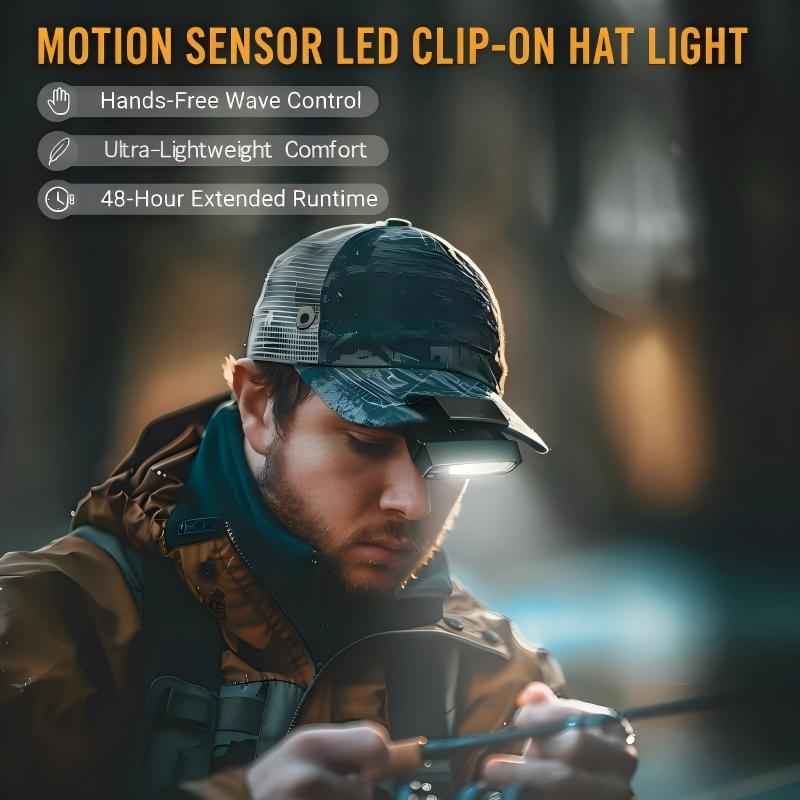
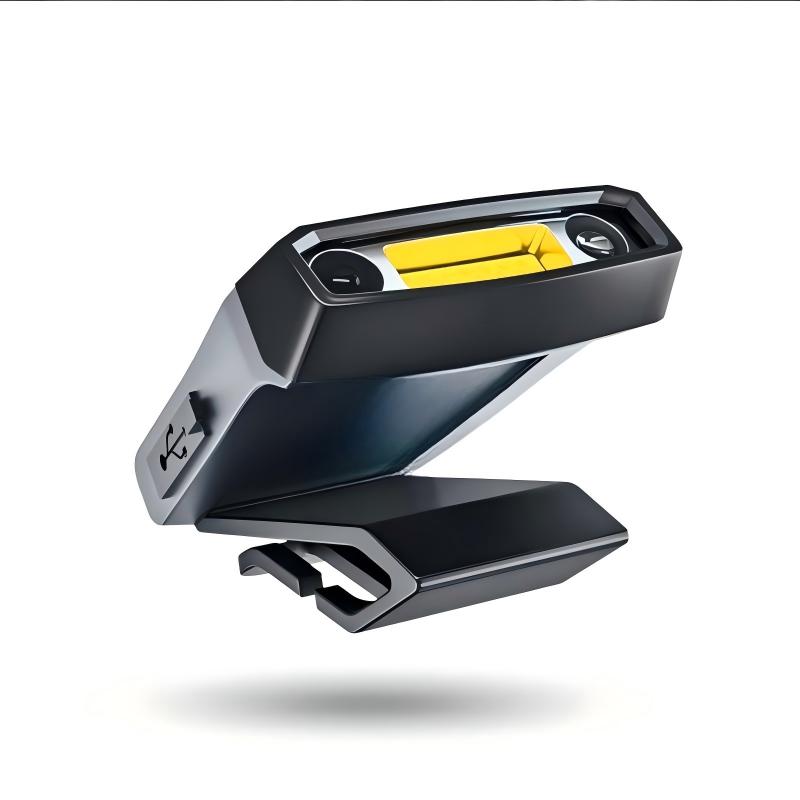
VERSATILE WEARING OPTIONS - Adapt to any situation with ease. Securely clip it onto your hat brim, wear it as a traditional headlamp with the included strap, or attach it to your backpack for flexible lighting.

ULTRA-LIGHTWEIGHT DESIGN - Weighing only 38 grams, you can wear it for hours without feeling any strain or discomfort. Its feather-light build makes it the ideal companion for long night fishing sessions or extended adventures.

SPEC
Color: Black
Weight: 38g (1.34 oz)
Free: 1 x Headband + 1 x Type-C Charging Cable
Sensor Distance: 10-15cm (3.9-5.9 inches)
Battery Capacity: 800mAh
Max Brightness: 180LM
Runtime: Up to 48 hours
Light Source: Dual-Color COB
Modes: Low, Medium, High, Red Light, Red Flash
Package Includes: 1 * Motion Sensor LED Clip-on Hat Light
NOTES
To activate the sensor mode, press the dedicated sensor button; an indicator will light up.
Avoid looking directly into the light source to prevent eye discomfort.
Comment